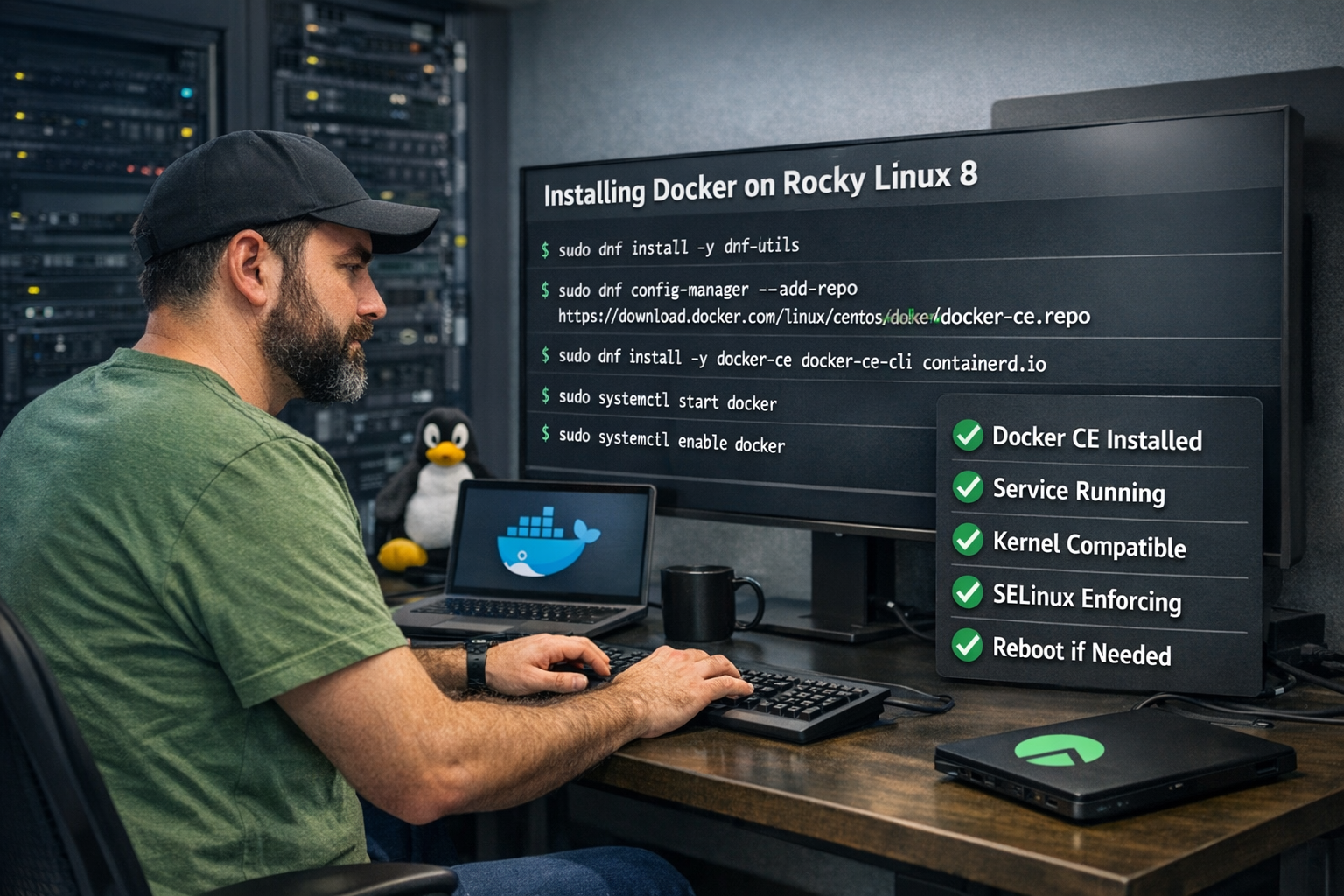
How to Install Docker on Rocky Linux (8, 9 & 10) in 2026
Docker remains the backbone of modern containerized infrastructure, and pairing it with Rocky Linux creates a stable, enterprise-ready environment for production workloads. In this complete 2026 guide, you’ll learn how to install, configure, and optimize Docker on Rocky Linux 8, 9, and 10 with clear, structured steps.
Contents
- System Compatibility Overview for Docker Rocky Linux
- Why Docker on Rocky Linux Is Popular in 2026
- What Is Docker and Why Use It on Rocky Linux?
- System Requirements Before Installing Docker
- Update Rocky Linux System Before Installation
- How to Install Docker on Rocky Linux 9 and 10
- How to Install Docker on Rocky Linux 8
- Verify Docker Installation on Rocky Linux
- How to Install Docker Compose on Rocky Linux
- Post Installation Best Practices for Docker Rocky Linux
- Common Docker Errors and How to Fix Them
- Docker vs Podman on Rocky Linux
- Is Docker Still Used in 2026?
- Conclusion
System Compatibility Overview for Docker Rocky Linux
Docker fully supports Rocky Linux 8, 9, and 10 in 2026.
All versions are compatible with Docker Engine CE packages.
Overlay2 is the default and recommended storage driver.
SELinux runs in enforcing mode without breaking containers.
A minimum of 2GB of RAM is recommended for stable performance.
20GB disk space is advised for container images and volumes.
64-bit architecture (x86_64) is required.
Rocky Linux 9 and 10 provide newer kernel optimizations.
Rocky Linux 8 remains widely used in legacy environments.
Docker Compose v2 works across all supported versions.
FirewallD integrates cleanly with Docker networking.
Enterprise users benefit from RHEL-level stability without licensing costs.
Why Docker on Rocky Linux Is Popular in 2026
Rocky Linux offers long-term support and predictable releases.
Docker simplifies deployment across dev, staging, and production.
Many VPS providers default to Rocky Linux images.
Developers prefer its RHEL compatibility for enterprise workloads.
Security patches are delivered consistently and reliably.
SELinux integration enhances container isolation.
Cloud-native stacks rely heavily on Docker images.
Automation pipelines commonly use Docker-based builds.
Rocky Linux avoids rolling-release instability issues.
Performance overhead is minimal compared to VMs.
The ecosystem around Docker is mature and well-documented.
Together, Docker and Rocky Linux create a future-ready hosting platform.
What Is Docker and Why Use It on Rocky Linux?
Docker is a containerization platform for packaging applications.
It bundles apps with dependencies into isolated environments.
Containers run consistently across different systems.
Docker reduces “it works on my machine” problems.
Rocky Linux provides a hardened enterprise base.
Applications deploy faster using container images.
Rollback and scaling processes become simplified.
DevOps workflows integrate smoothly with Docker CLI.
Microservices architectures rely heavily on containers.
Docker images are portable across cloud providers.
Security updates are easier to manage in containers.
Using Docker on Rocky Linux ensures stability and scalability.
System Requirements Before Installing Docker
Ensure Rocky Linux 8, 9, or 10 is installed.
Confirm 64-bit CPU architecture support.
Allocate at least 2GB RAM (4GB recommended for production).
Maintain at least 20GB of free disk space.
Use root access or a sudo-enabled user.
Enable a stable internet connection.
Ensure system time synchronization is correct.
Verify SELinux is enabled and updated.
Disable conflicting container runtimes if necessary.
Check firewall configuration compatibility.
Update kernel packages before proceeding.
Back up critical data before installing production software.
Update Rocky Linux System Before Installation
Begin by updating all system packages.
sudo dnf update -y
Reboot the system after updates complete.
sudo reboot
Updating ensures dependency compatibility.
Kernel updates improve container performance.
Security patches reduce vulnerability risks.
DNF resolves outdated libraries automatically.
System reboots apply new kernel modules.
Clean package caches if needed.
Confirm OS version using cat /etc/os-release.
Verify no pending updates remain.
A fully updated system prevents installation conflicts.
How to Install Docker on Rocky Linux 9 and 10
Install repository utilities first:
sudo dnf install -y dnf-utils
Add Docker’s official repository:
sudo dnf config-manager --add-repo https://download.docker.com/linux/centos/docker-ce.repo
Install Docker Engine packages:
sudo dnf install -y docker-ce docker-ce-cli containerd.io
Start Docker service:
sudo systemctl start docker
Enable Docker at boot:
sudo systemctl enable docker
Confirm service status.
Verify installation version.
Rocky 9 and 10 follow identical steps.
Official repositories ensure the latest stable builds.
Avoid using outdated distro-packaged Docker versions.
How to Install Docker on Rocky Linux 8
Install DNF utilities:

sudo dnf install -y dnf-utils
Add Docker repository:
sudo dnf config-manager --add-repo https://download.docker.com/linux/centos/docker-ce.repo
Install required packages:
sudo dnf install -y docker-ce docker-ce-cli containerd.io
Start Docker:
sudo systemctl start docker
Enable service:
sudo systemctl enable docker
Check service health
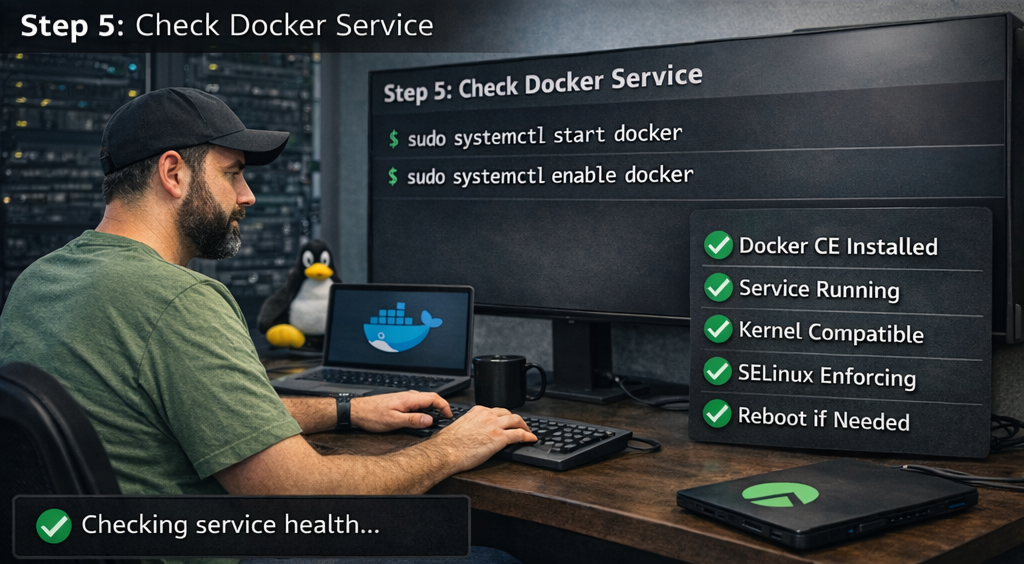
Rocky 8 supports Docker CE fully.
Kernel compatibility is stable.
SELinux works in enforcing mode.
Reboot if kernel modules were updated.
Verify Docker Installation on Rocky Linux
Check Docker version:
docker --version
Check service status:
systemctl status docker
Run test container:
docker run hello-world
Successful output confirms installation.
Docker should pull the image automatically.
Ensure network connectivity works.
Inspect running containers if needed.
Use docker info for system details.
Review storage driver configuration.
Check logs using journalctl -u docker.
Verify no permission errors appear.
Testing ensures production readiness.
How to Install Docker Compose on Rocky Linux
Install Docker Compose plugin:
sudo dnf install -y docker-compose-plugin
Verify installation:
docker compose version
Docker Compose v2 integrates with Docker CLI.
Use docker compose up for deployments.
Avoid the deprecated Docker Compose v1 binary.
Compose simplifies multi-container applications.
YAML files define services and networks.
Compose improves DevOps automation workflows.
Compatible with Rocky Linux 8, 9, and 10.
Supports scaling services easily.
Works seamlessly with CI/CD pipelines.
Essential for modern container orchestration.
Post Installation Best Practices for Docker Rocky Linux
Add user to Docker group:
sudo usermod -aG docker $USER
Log out and back in.
Enable firewall rules for Docker bridge.
Configure log rotation in /etc/docker/daemon.json.
Limit log size to prevent disk overflow.
Use the overlay2 storage driver.
Avoid running containers as root when possible.
Regularly update Docker packages.
Monitor container resource usage.
Use trusted official images only.
Scan images for vulnerabilities.
Backup volumes and persistent data regularly.
Common Docker Errors and How to Fix Them
Docker service not starting: update kernel and reboot.
Permission denied on Docker. sock: add user to Docker group.
Cannot connect to daemon: start Docker service.
SELinux errors: avoid disabling; use proper labels.
Port conflicts: check running services.
Storage full errors: clean unused images.
Network bridge issues: restart the Docker service.
Repository not found: re-add Docker repo.
Dependency conflicts: run system update.
Container crashes: inspect logs with docker logs.
Slow performance: verify storage driver.
Firewall blocking traffic: adjust firewall rules.
Docker vs Podman on Rocky Linux
Rocky Linux ships with Podman by default.
Docker requires manual installation.
Podman supports daemonless architecture.
Docker uses a central daemon model.
Docker Compose is more mature than Podman Compose.
The Docker ecosystem is larger.
Kubernetes integrates seamlessly with Docker images.
Podman supports rootless containers natively.
Docker remains the industry standard in hosting.
CI/CD tools commonly expect Docker CLI.
Podman is strong for compliance environments.
Most VPS deployments still prefer Docker.
Is Docker Still Used in 2026?
Yes, Docker remains widely adopted.
Container images are still Docker-based.
Cloud-native apps rely on Docker builds.
Kubernetes uses Docker-compatible images.
Dev environments standardize on Docker Desktop.
CI pipelines build Docker images daily.
Enterprise hosting platforms use Docker extensively.
Microservices depend on container technology.
Automation scripts commonly call Docker CLI.
Security scanning tools integrate with Docker.
Learning Docker improves career prospects.
Docker continues evolving with performance improvements.
Conclusion
Installing Docker on Rocky Linux is straightforward.
All supported versions follow similar procedures.
Rocky Linux ensures enterprise-grade stability.
Docker simplifies deployment and scaling.
Compose enhances multi-container management.
Security best practices protect production systems.
Regular updates maintain reliability.
Verification steps confirm operational status.
Firewall and SELinux integration are seamless.
Performance is optimized with overlay2.
Docker remains future-proof in 2026.
Rocky Linux and Docker together create a powerful hosting foundation.